A Whiteboard, a Shared Login, and the Hotel Booking Scam

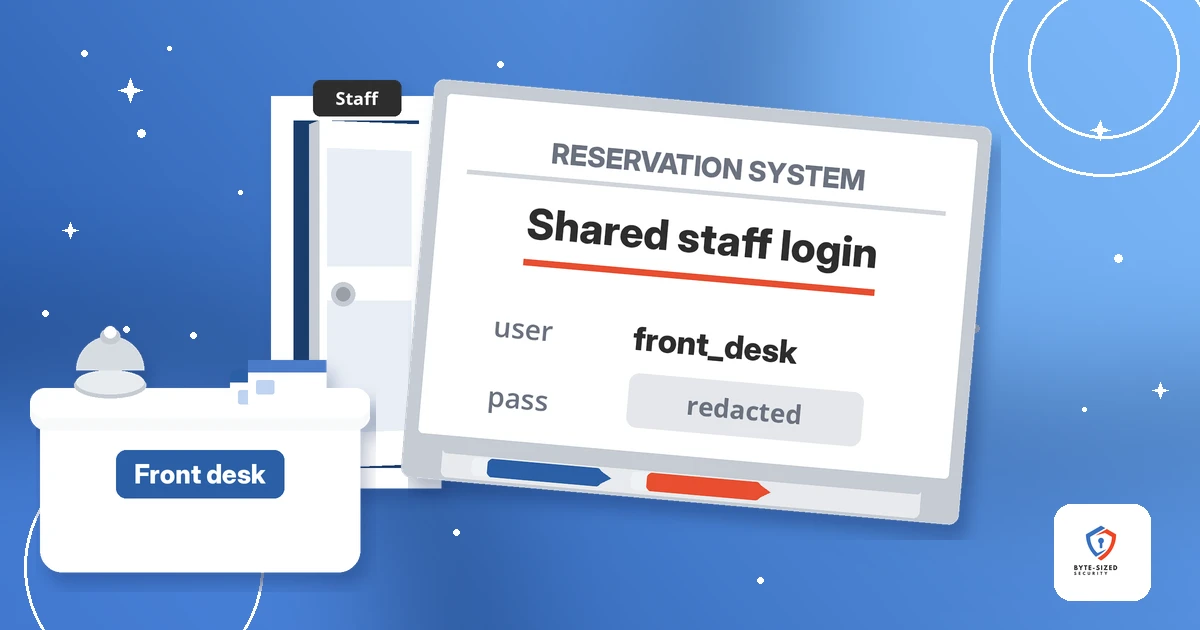
The password was on the wall, and the wall was in view of the lobby.
TL;DR: A London hotel wrote its Booking.com admin username and password on a whiteboard behind the front desk, where a guest saw it through an open door, per The Register’s report. Staff shared one login, and the board was the easiest place to keep it. A hotel’s booking account holds guest names, contact details, and a trusted channel to message them, which is what fake “please confirm your payment” scams depend on. The fix is boring and it works: one login per person, two-factor authentication on every account, and passwords in a password manager. Travelers have a fix too: never re-send card details because a message asks.
Some account takeovers need no clever exploit. They need a password someone left in plain view. This post covers what happened at the hotel, what the login opened, why shared logins keep landing on walls, how a small business should share access instead, and how to spot a hotel booking scam message as a guest.
What happened at the London hotel?
A London hotel kept its Booking.com admin login on a whiteboard behind the front desk. A guest spotted it through an open door and warned the manager. The hotel changed its practice.
The Register reported the incident on 12 Nov 2026 in its PWNED column, which covers self-inflicted security failures. The hotel is not named.
Here is the sequence, per the article:
- A guest walking through the lobby noticed the door behind the front desk was open.
- Inside the back room was a whiteboard with the hotel’s Booking.com administrative username and password written on it.
- Anyone near the desk had a clear view. Anyone without time to copy it down might have snapped a photo instead.
- The guest asked for the manager and showed him. The manager was mortified and grateful.
- Nobody on staff had treated the board as a risk. It was the easiest way for the whole team to share one login.
- After the conversation, the hotel changed its ways.
The Register does not report any misuse of the account. Treat it as a near miss, and near misses are the cheapest lessons you get.
What does a hotel’s Booking.com login give access to?
Change or cancel reservations, see guests’ names and contact details, and message guests as the hotel. The last one powers the fake “please confirm your payment” scam.
Per The Register’s write-up, someone holding the login had the means to change or cancel reservations, see guests’ names and contact details, or message guests while pretending to be the hotel. Fake “please confirm your payment” messages sent from compromised hotel accounts are a well-known scam.
This scam is real and documented. In January 2025, the UK’s national fraud reporting service Action Fraud warned travelers about payment requests sent from hotel accounts on Booking.com taken over by fraudsters. It received 532 reports between June 2023 and September 2024, with £370,000 lost. Action Fraud says these takeovers were likely the result of targeted phishing against the hotels, not a breach of Booking.com’s own systems.
Why does it work so well? The message comes from the hotel’s real account, inside a conversation the guest already trusts. It quotes the right dates and the right price. Booking.com’s own safety tips for travelers describe these messages as including convincing details about the dates and cost of a stay, with urgent requests to re-share payment information to keep the booking.
The hotel never sees the money. The guest loses it, and the hotel loses the guest’s trust.
Would the password alone have been enough?
Not necessarily. The Register notes the answer depends on the account’s security settings, and Booking.com says its partner Extranet requires two-factor authentication at sign-in.
Be careful with this part. The Register states whether the exposed credentials alone would have been enough depends on the account’s security settings. The article does not say the login worked.
Booking.com’s partner help page on logging in to the Extranet (the back-office site hotels use to manage listings and bookings) says sign-in requires two-factor authentication, or 2FA. 2FA means a second proof of identity after the password. For the Extranet, Booking.com describes a PIN from its Pulse app or a text message.
So a photo of the board alone might not have worked. Still, 2FA is a second lock, not a reason to leave the first one on the wall. Booking.com’s same page explains a catch with sharing: most sign-in attempts trigger a 2FA PIN sent to the contact details on the account, so a team sharing one login also has to pass the PIN around. More hands, more leaks.
Why do shared logins end up on the wall?
A shared login has to live somewhere the whole team reaches. Convenience wins. The handiest spot is rarely a private one.
The staff were trying to share access, not trying to be careless. One login, one whole team. The board was the easiest fix.
Name the pattern. When an account belongs to a team instead of a person, the password has to travel. It goes on a sticky note, a whiteboard, a group chat, or a shared spreadsheet. Each one widens the circle of people who know it, and nobody owns the job of changing it when someone leaves.
Shared logins cause two more problems:
- No accountability. If a reservation gets cancelled, the log shows the shared account, not the person.
- No clean exit. When a staff member leaves, the only way to remove their access is to change the password for everyone, so it often does not change at all.
If this sounds familiar from the office side, it should. Valid credentials are a common way in, as we covered in Credential Theft: The New Normal in Cyber Attacks.
How should a small business share account access?
Give each person their own login with only the access they need, turn on two-factor authentication everywhere, and keep passwords in a password manager instead of on paper or walls.
Three steps cover most of it.
Step 1: One login per person
Booking.com’s guidance on preventing unauthorized use of your account is direct. Asked whether a team should share one Extranet account, it answers no, and says to create an individual Extranet account for each team member who needs access. The Extranet lets an admin add users and set access by role, such as a front desk manager.
Individual logins mean you know who did what, and you remove one person without touching anyone else.
Step 2: Turn on two-factor authentication for every work account
The same Booking.com page tells properties to add 2FA to work applications, including email. Email matters here. Reset links for your other accounts land there. Our guide to two-factor authentication walks through setup in a few minutes.
Step 3: Keep passwords in a password manager
The UK’s National Cyber Security Centre explains in its guidance on password managers how a password manager stores passwords safely so you use a unique password for each service without memorizing them. Many also generate strong passwords, autofill only on the correct website (which helps against phishing), and warn you when a password shows up in a breach. Some also help you share a password more easily, which beats a whiteboard.
The NCSC does not name a single best product. It says the best one is the one meeting your needs and easy for you to use. Pick one and turn on 2SV (the NCSC’s term for two-step verification) for the password manager account itself.
The NCSC also notes passwords written down are only as safe as the room they are kept in, and hiding them is not enough if people have access to the room. A back office behind the front desk, with the door open, fails this test.
How do you spot a hotel booking scam message?
Treat any urgent request to re-send card details or pay to keep your room as suspect. Check it against your confirmation. Contact the platform through its official app or site.
Here is the traveler tip. A message from your hotel’s real account is not proof the hotel sent it.
Booking.com says it will never ask you to share credit card details by email, phone, text, or WhatsApp. It will never ask you to make a bank transfer different from the payment policy in your booking confirmation. Watch for these signs:
- Urgency. Booking.com’s own example: “transfer the money to a bank account within 24 hours or the booking will be canceled.”
- A new payment route. A bank transfer, link, or card form the booking confirmation never mentioned.
- A push off the platform. The “hotel” wants to move the conversation to WhatsApp or another app.
Before you act, open the booking app or site yourself, not through a link in the message. Compare the request with your confirmation. If anything differs, contact customer service using the details on the official site. Action Fraud’s alert adds a useful nuance: some hotels manage their own payments and do ask for card details, so verify the request before you share anything.
For a broader look at why phishing keeps working, see Modern Phishing: Why Password Resets Fail.
What should you do if you already paid or shared card details?
Call your bank or card provider first and ask them to block the card. Then report it to the booking platform, reset your account password, and turn on two-factor authentication for the account.
Move fast:
- Call your bank or card provider. Booking.com advises asking them to block your current cards, issue new ones, and flag any charges you do not recognize.
- Report it to the platform. Contact Booking.com customer service through the official site or app and tell them you think you were scammed.
- Secure your own account. Reset your Booking.com password and turn on two-factor authentication in the account’s security settings.
- Report the fraud. In the UK, Action Fraud takes reports. It asks people to forward suspicious emails to [email protected] and suspicious texts to 7726.
The takeaway
The hotel got lucky. The person who saw the board told the manager instead of taking a photo for later.
Do not count on luck. Look around your own front desk, office, or team chat this week. Find the logins your team shares and give each person their own. Turn on 2FA. Move the passwords into a password manager. And if you are the one traveling, remember: a real hotel message and a scam message look alike. Your booking confirmation is the tiebreaker.
Which shared login at your workplace would you move first?